The Idea, and the First Mistake
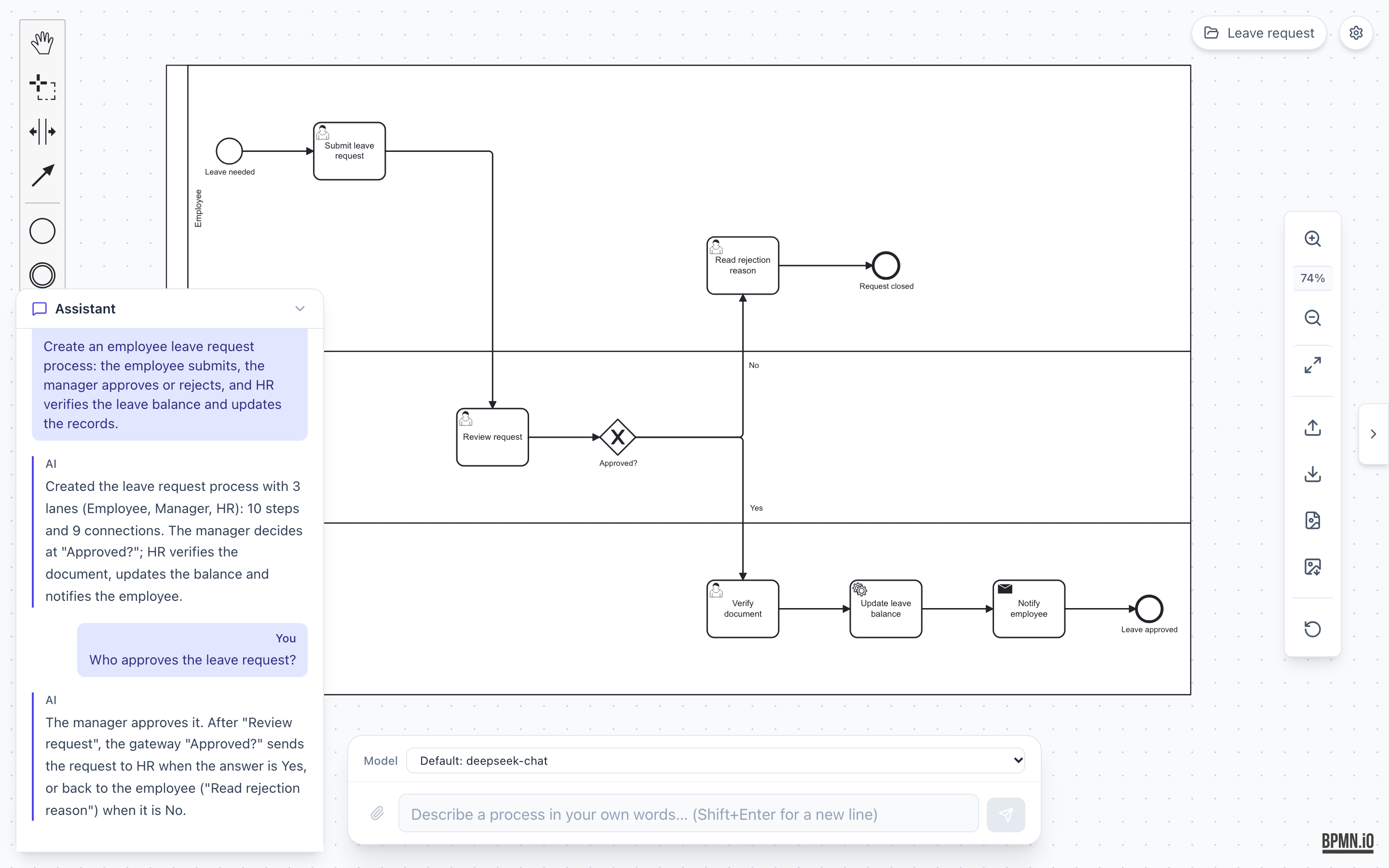
BPMN AI Studio turns a plain description of a business process into a diagram. You type “an employee asks for leave, the manager approves or rejects, then HR updates the records”, and you get a diagram. Then you keep changing it by chat.
Some terms first. BPMN (Business Process Model and Notation) is a standard way to draw business processes: boxes for tasks, diamonds for decisions, circles for start and end. An LLM (large language model) is the AI behind tools like ChatGPT or Claude. A BPMN diagram is saved as XML, a text format full of tags like <bpmn:task>. The canvas I use, bpmn-js, reads that XML and draws it.
So the obvious plan was: ask the LLM to write the XML. That is exactly what my first version did. This is a real line from the first system prompt, in May:
2. Generate BPMN XML: Create complete, valid BPMN 2.0 XML diagrams...
- Must include <bpmndi:BPMNDiagram> with coordinates for visual layout
It worked for small demos. It broke quickly for anything real.
What Breaks When an LLM Writes XML
BPMN XML has two parts. One part says what the process is (tasks, decisions, arrows). The other part says where every shape sits, with x and y numbers for every box and every bend in every arrow. The LLM had to get both right, in one long answer.
Here is what went wrong:
- Answers got cut off. XML is long. One commit from that first day is literally named “Fix Gemini MAX_TOKENS truncation”. A diagram cut off in the middle is not a smaller diagram. It is a broken file.
- The positions were bad. LLMs are not good at geometry. Boxes overlapped, arrows went through shapes, and lanes (the rows that show who does what) did not line up.
- The logic was wrong in quiet ways. An arrow pointing to an id that does not exist. A decision with only one way out. bpmn-js either refused the file or drew something that looked fine but meant nothing.
- Every small edit redrew everything. To rename one task, the LLM had to send back the whole file. Any shapes you moved by hand were lost.
About ninety minutes after the first version, I already moved to JSON commands like “add a task after this one”. (JSON is a simple data format, easier for both people and code to read than XML.) My prompt from then on said in capital letters: never output raw BPMN XML. That helped. But the model still decided many things it was bad at.
The Rule That Fixed It: The Model Describes, Code Decides
The big change came later, when I rebuilt the core. One decision drives the whole design now:
The model never emits coordinates, never writes XML, and never changes the canvas directly.
The LLM only describes the process as a JSON graph: elements, flows (arrows), lanes and pools. Plain code does everything else. Code that gives the same output for the same input every time is easy to test. The LLM is not like that, so I fence it in.
Here is the full path for a new diagram:
  your words
      |
      v
  LLM  ------>  JSON graph  (what happens, not where)
                    |
            parse + schema check
                    |
            normalize (fix small slips)
                    |
            semantic rules ---- errors? ----> one repair call to the LLM
                    |
            code writes the XML + auto-layout
                    |
            layout check (overlaps, arrows through shapes)
                    |
            canvas (bpmn-js)
Removing all the “put this box at x=300” guidance also made the prompt shorter. The main prompt went from 1,168 tokens to 906. (A token is a small piece of text. You pay per token, and fewer tokens also means a faster answer.)
Checking the Graph: One Small File per Rule
A schema check (I use a library called Zod) only tells me the JSON has the right shape. It does not tell me the process makes sense. For that I have semantic rules. “Semantic” just means “about the meaning”. Each rule lives in its own small file, and they run in a fixed order:
// Order matters: the first error picks the message the user sees
const RULES = [
  checkIds, checkEndpoints, checkCoverage, checkEventSubprocesses,
  checkEventDefinitions, checkCompensation, checkLoopMarkers,
  checkBoundaries, checkLinks, checkGateways,
];

export function validateGraphSemantics(graph) {
  const ctx = createContext(graph);
  for (const rule of RULES) rule(ctx);
  return ctx.issues;
}
A rule is simple code. For example, a gateway (the decision diamond) with no arrow going out is an error. An “either/or” gateway with only one arrow out is a warning, because it usually means the model forgot a branch.
One Repair Try, Then Stop
When a rule finds an error, I do not show it to the user right away. I send the error text back to the LLM once and ask it to fix only that. If the second answer is still wrong, I stop and show the real problem. No endless loops.
async function repairIfInvalid(ctx, graph, prompt) {
  const errors = validateGraphSemantics(normalizeRichGraph(graph).graph)
    .filter((issue) => issue.severity === 'error');
  if (errors.length === 0) return graph;
  try {
    return await repairRichGraph(graph, errors.map((e) => e.message), prompt, ctx.model);
  } catch {
    return graph; // keep the original; the user will see the errors
  }
}
Before any of this, a “normalize” step fixes small mistakes on its own. For example, some models put lanes inside pools in a nested shape, and the code flattens that. The goal is simple: the user should never see a broken canvas because the AI made a typo.
Edits: Small Changes, Then Check Your Own Work
Making a new diagram is the easy part. Editing is harder, because people also move shapes by hand, and they do not want to lose that.
So for an edit, the LLM does not send back the whole graph. It sends a short list of operations, like create-element, update-flow or remove-element. Code applies them to a copy of the graph and runs the same checks. If anything is off (an unknown id, a duplicate, a semantic error), the whole plan is thrown away and the app falls back to a full edit. A plan is never half applied.
Then the change goes to the canvas:
  edit request
      |
  LLM proposes small operations
      |
  apply to a copy -> validate          (fails -> full edit instead)
      |
  patch the live canvas in place
      |
  read the canvas back and compare with the target
      |
  same?  -> done (your hand-made layout stays)
  different? -> undo the patch -> redraw the whole diagram
The “read it back and compare” step is the part I am most happy with. After patching the canvas, the code exports the live diagram, turns it back into a graph, and compares it with the graph it wanted. Here is the core of it, simplified:
if (!(await applyGraphOps(modeler, prevGraph, result, ops, target.xml))) {
  failure = { code: 'incremental-unsupported' };
} else {
  const mismatches = await semanticMismatches(await readXml(modeler), result);
  if (mismatches.length > 0) failure = { code: 'incremental-mismatch' };
}
if (failure) {
  await modeler.importXML(preApplyXml); // put the canvas back first
  recordDiagnostic('warn', 'Incremental apply fallback', failure.code);
  // ...then do the full redraw
}
Every fallback is written to a local diagnostics log with a code. If something goes wrong for a tester, they can press Copy diagnostics and send me exactly which path failed.
Structural changes (adding, removing or reconnecting things) also show a small review dialog before they land. Pure renames go through without asking.
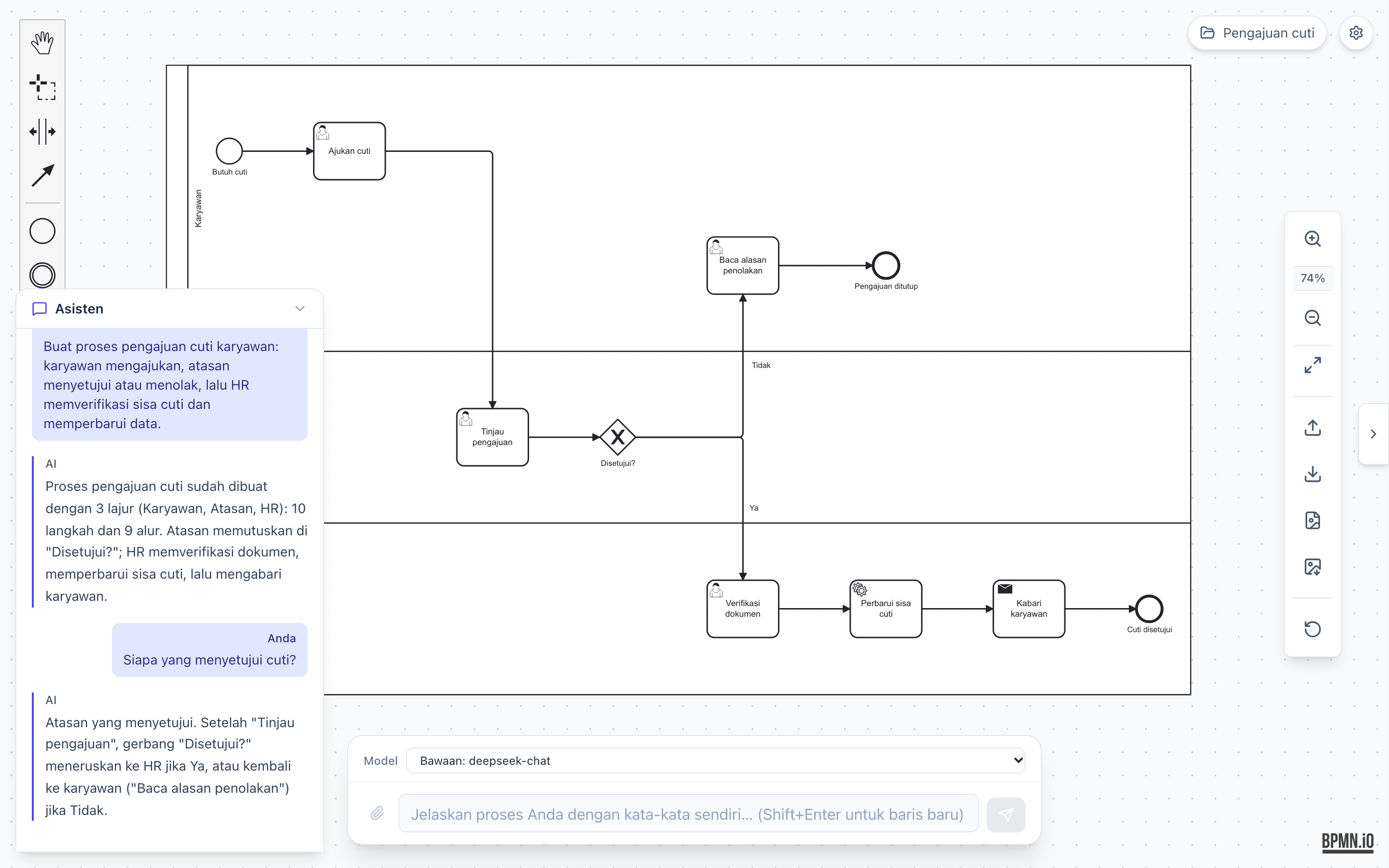
One more small guard you can see above. When you ask a question like “Who approves leave?”, the app first checks whether you are asking or editing. Questions go to a read-only path, so asking about the diagram never changes it.
What Went Wrong Along the Way
The pipeline did not come out right the first time. A few lessons from the git history:
- New shapes landed in strange places. When the incremental path added a task, it used the position from a fresh auto-layout. But the user had moved things by hand, so that position was meaningless. The fix: find a neighbor shape, take the offset from the fresh layout, and apply it to where that neighbor really is on the user’s canvas. Boundary events (small circles stuck to a task) now stay on their host.
- Two paths means two chances to be wrong. I have a fast path (patch in place) and a slow path (full redraw). So I wrote a “differential” test suite: the same edit runs through both paths, and the results must mean the same thing. It also checks that the fast path was really used, not quietly skipped.
- Big files got hard to change. Before splitting the validator and the canvas code into small modules, I first wrote “characterization” tests. These do not judge the code. They record exactly what it does today (every issue, its order, its message) so that a refactor cannot change behavior without a test failing. Only then did I split the files.
- I write down what is still open. A
KNOWN-ISSUES.mdfile lists every fixed bug with the commit and the test that proves it, and every open problem with a priority. Example: when pools or lanes change, the app still does a full redraw instead of a patch.
How Long It Took
From the git history: 233 commits (counting all branches) over 7 working days, spread from May 7 to October 28, 2026. If I add up only the gaps between commits that are shorter than one hour, I get about 21 hours of active time. That number is a floor, not an exact count, because some work was committed in batches.
I built it working with AI coding agents (Claude Code). On the main branch, 80 of the 172 non-merge commits carry a Claude co-author line, and many branches in the history are named after agent tasks that ran in parallel. For example, the module split above was five agents working on five parts of the code at once, each in its own branch, all guarded by the characterization tests written minutes before. The tests are what made that speed safe. They are also how I know the agents did not break anything: 16 self-check files, 231 unit tests and 70 browser tests today.
The funny part is the theme. The app does not trust the AI to write diagrams. I did not fully trust the AI to write the app either. In both cases the answer was the same: let the AI propose, and let tests and plain code check.
Read more about the project on the BPMN AI Studio project page, or try the closed alpha at bpmn-ai-studio.pages.dev.